 SUPPORT
 Track Order


 Add Your Review


Description
“`html
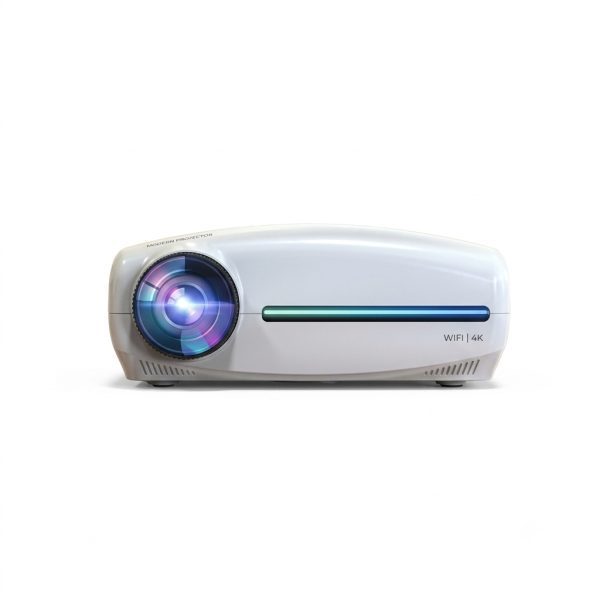
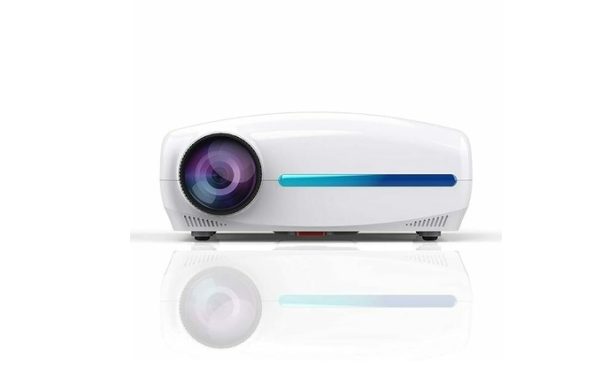
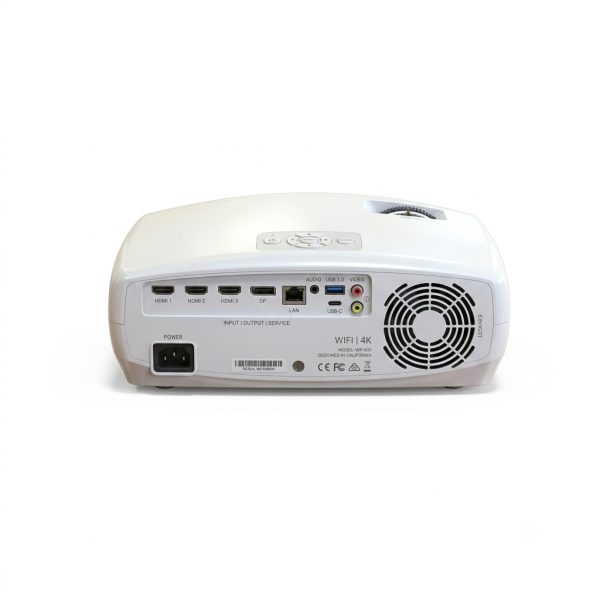
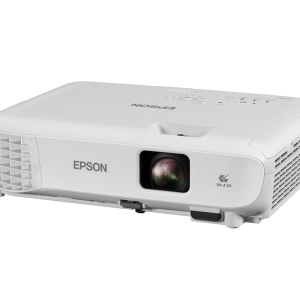
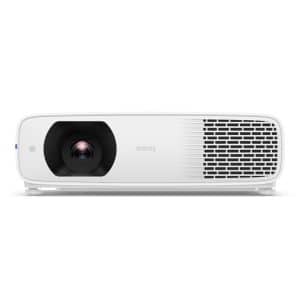
TONZO Max Vision 12 Projector for Home Cinema and Movie Viewing
The TONZO Max Vision 12 Projector is designed for home cinema and personal entertainment setups where users want to enjoy movies and videos on a large projected screen. It can be considered for living rooms, bedrooms and dedicated home entertainment spaces, subject to the projector’s confirmed technical specifications and compatible input sources.
Create a home movie-viewing experience for family entertainment, weekend film nights and everyday video playback. A suitable projection surface and viewing environment can help you enjoy a more immersive experience than watching content on a smaller display. For the best results, choose a room with controlled ambient light and position the projector according to its supported projection distance and image-size range.
Product Specifications
| General Information | |
|---|---|
| Brand | TONZO |
| Model Name | Max Vision 12 |
| Product Type | Projector |
| Primary Usage | Home Cinema and Movie Viewing |
| Application | Home Entertainment and Video Projection |
| Display Technology | Confirm with the manufacturer or supplier |
| Native Resolution | Confirm with the manufacturer or supplier |
| Brightness | Confirm with the manufacturer or supplier |
| Connectivity | Confirm supported ports and wireless features before listing |
| Audio System | Confirm built-in speaker specifications |
| Projection Size | Confirm supported screen-size range |
| Focus and Keystone Correction | Confirm supported adjustment features |
About the TONZO Max Vision 12 Projector
The TONZO Max Vision 12 is positioned for users looking to build a home cinema environment for movie viewing and video entertainment. Projectors can provide a flexible large-screen viewing setup without requiring a permanently installed television-sized display. The final viewing experience depends on the projector’s actual brightness, native resolution, lens characteristics, screen surface and room lighting.
For a comfortable home cinema setup, place the projector on a stable surface or use a compatible mounting arrangement. Check the recommended throw distance, supported image dimensions and available adjustment functions before deciding where to install it.
Key Product Highlights
- Home cinema use: Intended for home movie-viewing and personal entertainment setups.
- Big-screen viewing experience: Enjoy compatible video content through a projected image sized according to the model’s supported range.
- Movie-night entertainment: Suitable for planning a dedicated family or personal movie-viewing area.
- Flexible placement: Select an appropriate tabletop or compatible mounting position after confirming the model’s installation requirements.
- Indoor entertainment: Consider it for living rooms, bedrooms and other suitable indoor viewing spaces.
- External device compatibility: Confirm supported input ports before connecting laptops, streaming devices, media players or other equipment.
- Customizable setup: Pair with a compatible projection screen or a suitable flat projection surface.
Home Cinema and Movie Viewing Experience
A projector can help create a more immersive movie-viewing arrangement by displaying compatible content on a larger screen. For a better experience, reduce direct light falling on the screen, choose a suitable screen surface and position seating at a comfortable distance. Image clarity and perceived contrast depend on the projector’s verified specifications and the surrounding environment.
Before connecting a media player, laptop, gaming device or streaming stick, check the available ports and supported signal formats for the TONZO Max Vision 12. Streaming applications, wireless screen mirroring and smart operating-system features should only be advertised if they are confirmed for the exact model.
Recommended Usage
- Home movie nights and family entertainment
- Personal home cinema setups
- Movie and video viewing in suitable indoor spaces
- Living-room and bedroom entertainment arrangements
- Video playback from compatible external sources
Setup and Usage Tips
- Use the projector in a room with controlled ambient light for a more comfortable viewing experience.
- Place the device on a stable, level surface with adequate ventilation.
- Follow the manufacturer’s recommended projection distance and screen-size guidelines.
- Verify input compatibility before connecting an external device.
- Use the supplied power adapter or power cord specified for the product.
- Check the user manual for focus, image alignment, maintenance and operating instructions.
Why Consider the TONZO Max Vision 12?
The TONZO Max Vision 12 is a model to consider when planning a projector-based home cinema and movie-viewing setup. Its intended entertainment application makes it relevant to users looking for an alternative to conventional small-screen viewing. Before purchasing, compare its confirmed native resolution, brightness, supported screen size, connectivity, audio features and warranty against your home entertainment requirements.
Package Contents and Important Information
Package contents should be confirmed with the seller for the exact model and regional variant. Do not assume that a projection screen, HDMI cable, external speaker, streaming device or mounting accessories are included unless they are explicitly listed in the package details.
Important: Confirm the official TONZO Max Vision 12 datasheet or product manual before entering technical specifications in a marketplace listing. Brightness, native resolution, contrast ratio, light-source life, operating system, wireless connectivity, speaker power, dimensions, weight and warranty have not been independently verified for this exact model.
Product information should be checked against the manufacturer’s documentation for the exact model before publication.
“`


Reviews
There are no reviews yet