 SUPPORT
 Track Order


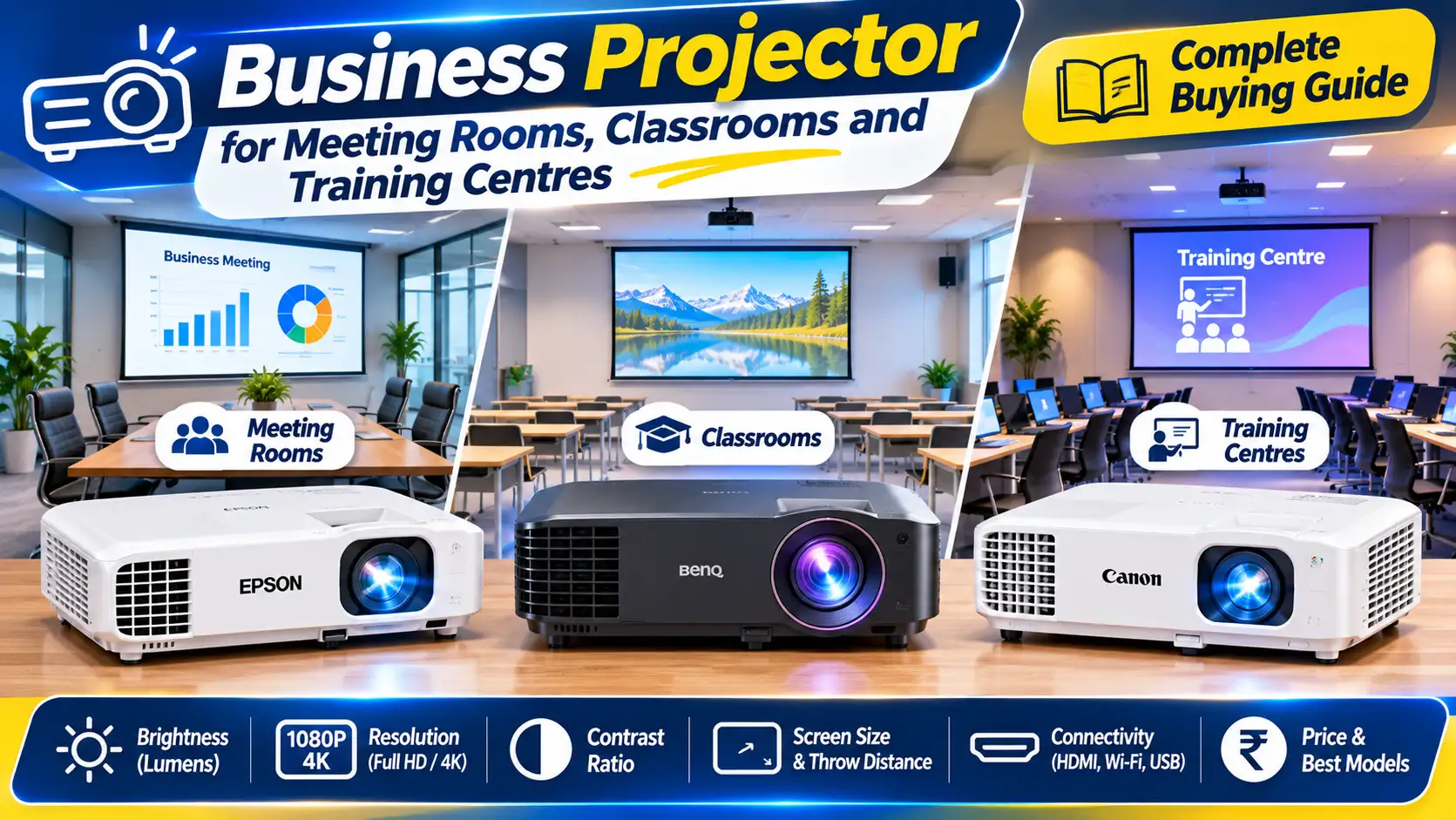
A business projector affects the quality of meetings, training sessions and presentations far beyond the product catalogue. The real decision is not about maximum brightness alone; it is about whether the projector matches the room, audience size, lighting conditions and type of content the team regularly shows. A well-matched projector creates confidence, while a mismatched one creates frustration.
Table of contents
- Begin with the room and audience
- Understand brightness in context
- Calculate throw distance and image size
- Match the resolution to the content
- Design the projector and screen as a pair
- Check compatibility and support
- Frequently asked questions
Why a clear buying brief matters
Before comparing models, write down the purpose, daily workload, room or site conditions, user count, media requirements, connectivity expectations and any service or compliance constraints. This short brief allows a more accurate product comparison and reduces the risk of buying on a single headline feature. In most procurement decisions, the right equipment is the one that supports the real workflow without creating operational friction after installation.
Begin with the room and audience
Measure room size, seating layout and audience distance before selecting a model. The image size and brightness requirement depend on how many people need to see the content and how far they sit from the screen.
Understand brightness in context
Brightness should be matched to room light, screen surface and content. Higher lumen output helps in brighter spaces, but it must be evaluated with the actual use environment.
Calculate throw distance and image size
Throw ratio controls placement and image size. Short-throw, standard-throw and ultra-short-throw units should be chosen based on available room dimensions and the desired display size.
Match the resolution to the content
Presentation, training and video content place different demands on clarity and colour. Choose the resolution based on how people use the room and what they will display most often.
Design the projector and screen as a pair
A projector and screen are part of a system. The screen finish, gain and size directly affect brightness, contrast and visual quality.
Check compatibility and support
Connectivity, conferencing support, wireless options, and service coverage all affect day-to-day usability. A device that is harder to use will rarely deliver the intended return on investment.
Procurement checklist: questions to answer before placing an order
- Have we defined the actual use case, user count and frequency of operation?
- Have we documented the environment, room conditions and installation constraints?
- Have we confirmed the mandatory requirements and the optional preferences?
- Have we checked the exact model, accessories, software, warranty and support obligations?
- Have we compared proposals on the same basis, including running cost and service support?
- Have we tested the real workflow or a representative sample before final approval?
Common purchasing mistakes and how to avoid them
The most common mistake is choosing by price, by a single technical headline or by a label that sounds suitable without matching the actual workflow. Another frequent issue is failing to test real use conditions before purchase. The better approach is to write a clear requirement brief, compare models fairly and validate the shortlisted option against the job it will perform every day.
If a requirement cannot be confirmed from the information available, record it as an open point and ask the supplier to resolve it before approval. This helps prevent the expensive problem of buying a device that matches a brochure but not the operational reality.
What to include when requesting a quotation
Share the organisation type, intended use, quantity, environment, user count, required functions, service expectations and preferred timeline. Ask for an itemised quotation that covers the exact model, included accessories, warranty, support and assumptions used in the costing.
Final recommendation: buy for the workflow you need
The right choice is the one that solves the actual task reliably, fits the organisation’s environment and supports the people who will use it daily. Revisit the requirement brief before approval. If the option meets mandatory features, works in a representative test and carries clear commercial terms, it becomes much easier to make a strong and defensible purchase decision.
Explore related Tech-Mantra resources
Frequently asked questions
How do I choose the right projector brightness?
Match brightness to room light, screen size and usage. A projector in a bright conference room needs a more realistic lumen requirement than one used in a dark classroom or dedicated presentation room.
What is more important: resolution or brightness?
Both matter, but they serve different purposes. Brightness supports visibility, while resolution supports clarity. Match both to the actual environment and content type.
Do I need a screen or can I project on the wall?
A screen usually gives a better image and more consistent brightness control. A clean wall can work in some spaces, but the results vary by surface and lighting conditions.
Need help choosing the right projector?
Share your room size, brightness conditions, desired image size, content use and connectivity requirements with Tech-Mantra. Ask for a quotation that compares model performance, screen pairing and support coverage.
Editorial note: Specifications, availability, model variants, compatibility and commercial terms can change. Confirm the final model documentation and quotation before purchase.
